Getting started
Install sedge, log in to a model, and reach it from your phone.
Install
curl -fsSL sedge.sh | shor with npm:
npm i -g @sedge-hq/sedgeBoth give you one sedge command. It updates itself (see Configuration to
turn that off).
First run
sedgeThis opens the TUI and starts the daemon in the background if it isn't running.
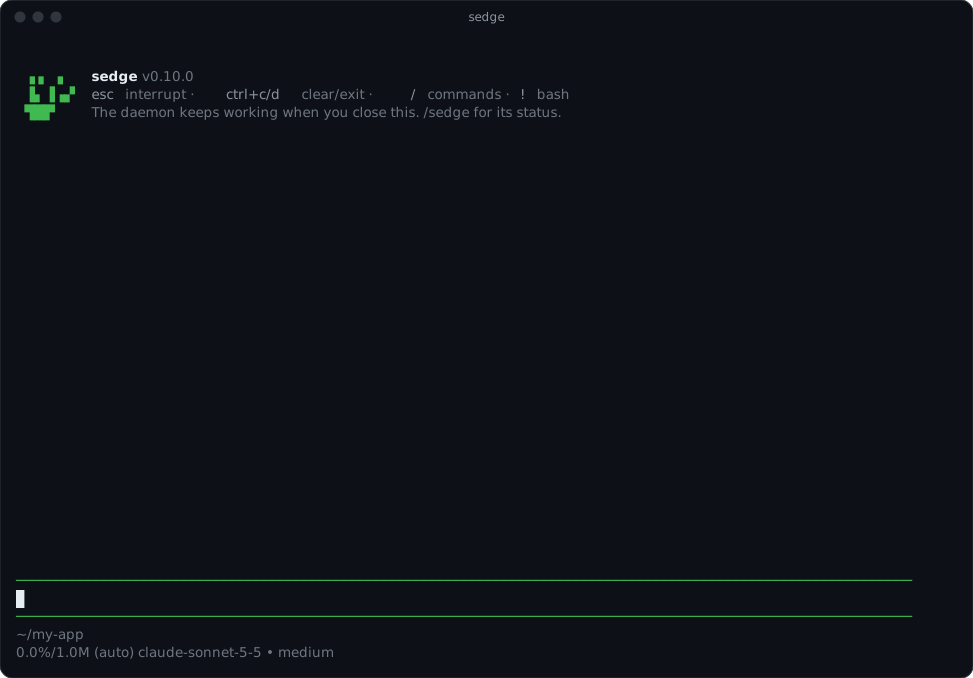 The first time,
log in to a model provider with
/login (an API key, or a subscription such as Claude). The
daemon uses the same logins and the same default model, so you only do this once.
Ask it anything, as you would any coding agent. For one answer without the TUI:
sedge -p "summarize the changes on this branch"Talk to it from your phone
In the TUI, say:
set up telegram
sedge will:
- install the Telegram package (you confirm first);
- ask for your bot token in a hidden field (create a bot by writing
/newbotto @BotFather); the token goes to your OS keychain, never into the chat; - give you an invite link. Open it on your phone: that pairs your Telegram account. The link works once and expires in 30 minutes, and nobody else gets answers from your bot.
Now write to your bot. sedge answers there, shows "typing…" while it works, and asks before anything risky with Approve / Deny buttons.
Keep it running
The daemon runs until you stop it or log out. To start it at login:
sedge start --servicesedge stop stops it and removes the login service.
Uninstall
sedge uninstallIt lists what it will remove and asks first. It stops the daemon and the login service, deletes
the secrets it kept in your keychain, and deletes ~/.sedge: memory, conversations, settings,
logs, packages, and the binary if you installed with curl. --keep-data keeps your memory,
conversations, settings and packages for a later reinstall (the binary still goes). --yes skips
the question, for scripts.
pi's folder (~/.pi/agent, with your model logins, MCP servers and skills) stays. If you
installed with npm, finish with npm rm -g @sedge-hq/sedge.
Next
- Get woken when something happens: Channels and signals.
- See what it keeps between conversations: Memory.